
Many organizations use Microsoft Azure Active Directory/Entra to centrally manage their users, so that users only have to remember one password, and can use that to log in to multiple applications. In addition, AD/Entra tends to do something called “pass-through” authentication, where if you are already logged into one app on your computer, and you try to log into another, it just passes along your credentials, automatically logging you in, and you never even have to enter your username and password.
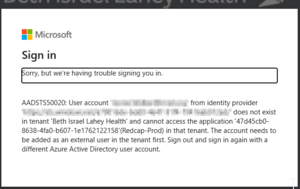
However, sometimes you have the ability to log in to applications hosted by two different organizations, and the pass-through login tries to use the wrong organization's username and password to log you in. This is particularly frustrating when you can't figure how how to get to the login screen.
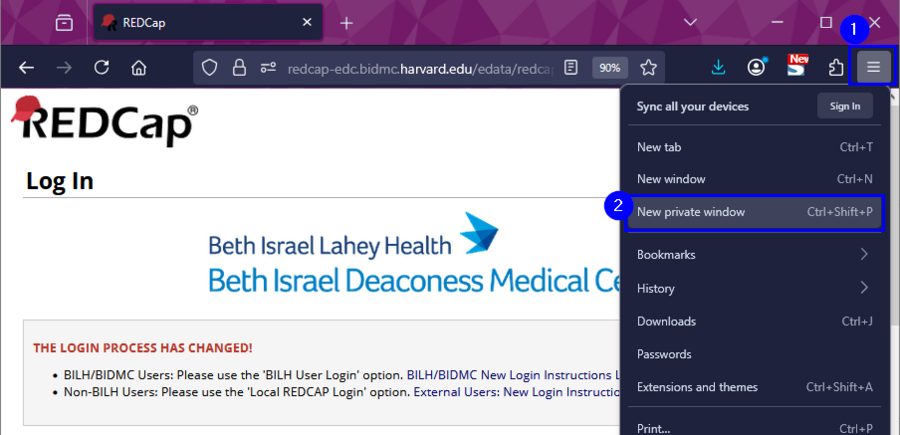
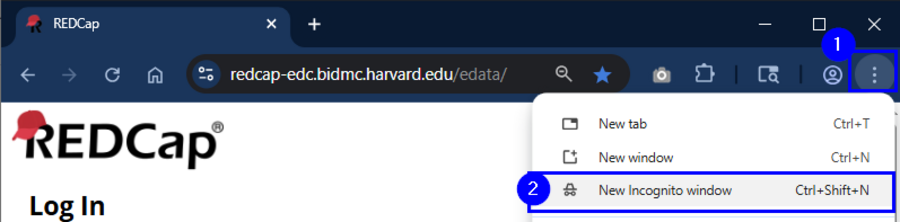
The solution to this is to use a private browser window. Most modern web browsers have a "private browsing" mode- sometimes called "Incognito" or "InPrivate" or "Private" browsing. These private browser modes force you to enter your username and password; they do not allow "pass-though" log ins. If you are being logged in automatically but with the wrong credentials/wrong institution this will usually fix the problem.